
 Tech Support
 Documentation
 Login
 Contact Us


Go straight to an AI summary of this blog post instead 


Key Takeaways
- Linux malware is rising fast in 2026, targeting servers, containers, and IoT devices with ransomware, cryptojackers, and rootkits.
- Attackers exploit outdated software, misconfigured SSH, and cloud misconfigurations — not just basic phishing emails.
- Early signs like CPU spikes, unusual network traffic, and hidden processes are often overlooked until it’s too late.
Linux is an open-source operating system that is popular for its exceptional performance, security, and free availability. While Windows is a frequent target of malware, in recent time, Linux malware is also evolving and becoming a significant concern for users and administrators alike. As Linux adoption grows — especially across critical infrastructure — it has become a high-value target for cybercriminals.
This article dives into Linux malware, what’s at risk, and how you can defend your Linux systems before the next exploit hits.
What Is Linux Malware?
Linux malware is the type of any malicious software created to target and operate on Linux operating systems. The malware primarily aims to exploit vulnerabilities in the system, steal sensitive information, disrupt services, or even turn compromised systems into part of botnets for executing larger cyber attacks. Although Linux was designed with security as a top priority, like any operating system, it is not immune to malware.
Understanding the Real Threat to Linux Security
As Linux now runs most cloud infrastructure, servers, and enterprise workloads, the pool of potential targets for attackers has grown exponentially. Modern threats like Linux ransomware, botnets, and cryptojacking campaigns are actively exploiting Linux environments.
Many attacks succeed not because Linux is weak, but because organizations delay the application of security patches or underestimate the threat. The truth is: Linux is strong, but not invincible — and treating it as immune only increases your exposure to today’s rapidly evolving malware landscape.
The Most Dangerous Types of Linux Malware Today
The malware variants targeting Linux have become more advanced, more focused, and far more dangerous. Below are the key types of Linux malware that pose the greatest threats in 2026 — each exploiting systems in different ways and often working together in layered attacks.
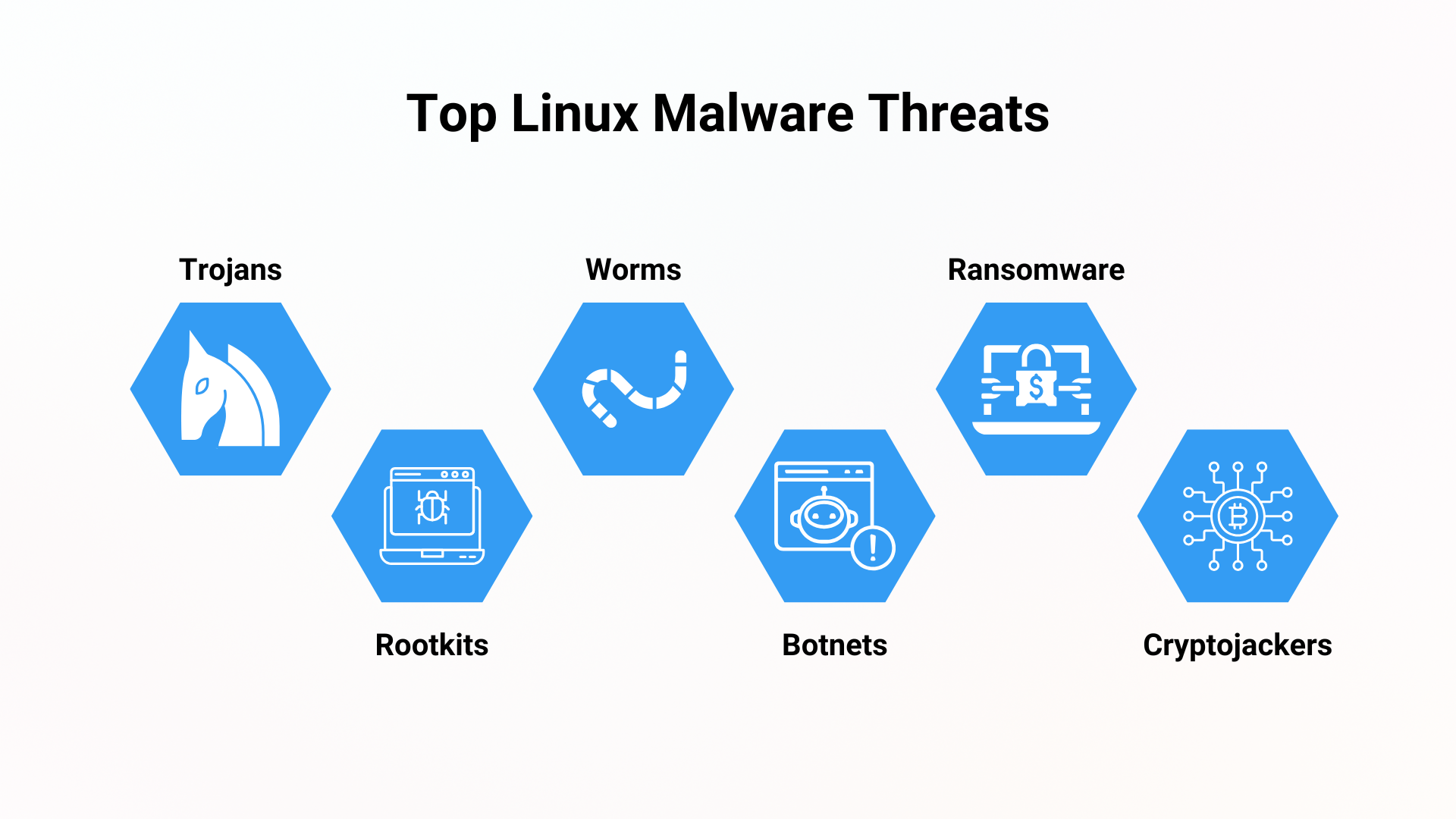
Trojans
A Trojan, or Trojan Horse, is a type of malware that disguises itself as legitimate software or is hidden within legitimate software. Once installed, they open backdoors or deliver payloads without raising alarms. On Linux, Trojans may be embedded in cron jobs, bash scripts, or startup services — making them harder to notice until serious damage is done.
Rootkits
Rootkits are stealth tools that give attackers persistent, privileged access to a system while hiding their existence. They typically operate at the kernel level, modifying system calls to hide files, users, or processes. Once installed, they can mask the presence of other malware or keep an open channel for remote access. These threats can remain hidden for weeks or months while enabling data theft or lateral movement.
Worms
Worms are self-replicating malware that spread across networks without user interaction. On Linux, they can propagate via misconfigured SSH, outdated packages, or container environments. Once inside, a worm can copy itself across devices, scan for other vulnerable systems, and deliver secondary malware like ransomware or cryptominers.
Botnets
Botnets are networks of compromised devices controlled by attackers for coordinated tasks such as DDoS attacks, spam distribution, or proxy relay. Linux systems, especially IoT devices and exposed servers, are frequent targets. Attackers use them to launch massive DDoS attacks, send spam, or run anonymized proxy networks. Worms often help build botnets by silently installing malware that connects the infected computers to a botnet.
Ransomware
Ransomware attack is a type of malware that encrypts the files or entire systems of a victim’s computer. The attacker then demands a ransom payment — usually in cryptocurrency like Bitcoin — in exchange for the decryption key needed to restore access to the data. While once a Windows-centric threat, ransomware is now increasingly targeting Linux servers, web infrastructure, and network-attached storage (NAS) devices.
Cryptojackers
Cryptojacking malware hijacks system resources — usually CPU or GPU — to mine cryptocurrency without the user’s consent. These attacks often go undetected, silently degrading performance, inflating cloud bills, and accelerating hardware wear. While cryptojackers don’t directly harm a victim’s data, they drain processing power and can slow down entire networks, making them especially damaging in business environments.
How Malware Gets In: Common Attack Vectors
To defend your Linux systems, you need to understand how attackers get in. Threat actors no longer rely on random exploits — they target predictable weaknesses like outdated software, cybersecurity misconfigurations, and human mistakes to gain initial access and establish a foothold. Here are the most common entry points:
Unpatched Vulnerabilities
Unpatched vulnerabilities stand as one of the most prevalent entry points for Linux malware — and ironically, one of the most readily preventable. When systems and applications aren’t kept regularly updated, known security flaws remain open, becoming prime targets for attackers.
Such unaddressed vulnerabilities can lead to severe consequences like remote code execution, privilege escalation, or direct malware injection. Even a single unpatched kernel flaw or outdated library can create a wide-open door, allowing sophisticated threats to bypass defenses and gain deep control over your system without detection.
Weak Credentials and Exposed Services
Brute-force attacks targeting weak or default SSH credentials remain a persistent and effective method for attackers. Once they guess or crack a password, they gain direct shell access, allowing them to download and execute malware.
Similarly, misconfigured or exposed network services (like databases, web servers, or remote management interfaces) without proper authentication or network segmentation in cybersecurity can provide easy access points. Attackers constantly scan the internet for such openings, turning a simple oversight into a major security breach.
Phishing and Social Engineering
While often associated with Windows environments, phishing and social engineering tactics are also effective against Linux users and administrators. Malicious emails containing infected attachments (even seemingly innocuous script files) or links to compromised websites can trick users into downloading and executing malware.
Additionally, by impersonating trusted entities or colleagues, attackers can manipulate individuals into revealing credentials or running commands that inadvertently install malware, bypassing technical defenses through human trust.
Misconfigurations and Supply Chain Compromises
Beyond obvious vulnerabilities, subtle system misconfigurations can also pave the way for malware. Incorrect file permissions, overly broad network rules, or lax security settings can unintentionally expose systems to attack.
Furthermore, the growing threat of supply chain attacks means malware can infiltrate your systems through seemingly legitimate channels. If a software vendor’s build process or update server is breached, you could unknowingly install malware alongside trusted applications or updates, making detection incredibly difficult.
Spotting Trouble Early: Signs Your Linux System is Compromised
Even with robust preventative measures in place, it’s not guaranteed that your system is 100% safe. Malware, when implemented in Linux systems, often remains hidden and its activities can go unnoticed. However, you can look for critical red flags that suggest your system may be compromised. These signs include unusual traffic, CPU spikes, weird processes, modified system files, and unexpected crashes.
Regular system monitoring can help spot the signs early before damage escalates. Tools like Lynis, Chkrootkit, and Rkhunter can assist in identifying malware and system anomalies — giving you a chance to respond to it promptly and effectively.
What to Do If You Detect Linux Malware
Detecting Linux malware is only the beginning — how you respond can determine the scope of the damage. A well-defined incident response plan is crucial to contain the damage, eradicate the threat, and ensure a complete recovery of your Linux systems.
First Response Steps
Upon detecting suspected Linux malware, immediate action is critical. The very first step you can do is isolation. Immediately disconnect the compromised system from the network to prevent lateral movement or outbound connections to command-and-control (C2) servers.
While isolating, avoid shutting down the system immediately, as this might destroy valuable forensic evidence held in volatile memory. Instead, take a snapshot or create a forensic image of the disk — especially if you’re dealing with a virtual machine. This preserves valuable evidence for later analysis.
Next, notify your incident response team, activate your IR plan, and begin documenting every action. Detailed logs will be essential during the recovery and post-incident review phases.
Tools to Help Clean and Analyze
Once the system is isolated and initial forensics are preserved, use Linux-compatible tools for investigation and remediation:
- Chkrootkit and Rkhunter: Detect common rootkits and hidden processes.
- ClamAV: Scan for known malware signatures.
- Lsof and Netstat: Identify active processes, open ports, and suspicious file access.
- Tcpdump: Analyze network traffic for signs of exfiltration or communication with external servers.
- Grep and Awk: Parse system logs for anomalies, login records, and command history.
For persistent or advanced threats, restoration from a known-clean backup is often the safest route. If that’s not immediately possible, proceed with manual cleanup: identify malicious files, remove unauthorized startup scripts, and patch known vulnerabilities. Exercise caution — rushing remediation can risk reinfection or damage.
Strengthen Your Linux Defense
Malware can and does target Linux systems. While Linux offers strong default security, staying secure requires ongoing effort. Below are foundational and advanced practices to reduce risk and harden your systems.
Essential Security Best Practices
Regular Patching and Updates
Every operating system is insecure if you don’t update or use outdated versions. Apply updates regularly to the operating system, kernel, and installed applications. Automate updates when possible — or consider rebootless patching with solutions like TuxCare’s KernelCare Enterprise to avoid downtime.
Strong Passwords and Multi-Factor Authentication (MFA)
Enforce complex, unique passwords for all user accounts, especially for SSH and administrative access. Implement MFA wherever possible, as it adds a critical layer of security by requiring a second form of verification.
Principle of Least Privilege (PoLP)
Allow user accounts and applications only the minimum permissions necessary to perform their specific functions. Avoid using the root account for routine tasks; instead, use sudo for privileged operations and ensure root login via SSH is disabled.
Firewall Configuration
Configure host-based firewalls (like iptables or firewalld) to restrict network access to only essential services and ports. Deny all incoming connections by default and only allow those explicitly required.
Regular Backups and Disaster Recovery
Maintain a rigorous schedule of regular, tested backups of all critical data and configurations. Develop and periodically test a comprehensive disaster recovery plan to ensure swift and complete restoration in the event of a successful attack.
Secure Software Sources and User Awareness
Only install software from trusted repositories or official vendor sources. Train users to recognize phishing, avoid suspicious downloads, and follow safe internet practices.
Advanced Strategies for Smart Admins
Comprehensive Vulnerability Management
Beyond basic patching, implement a program for continuous vulnerability scanning and assessment of your Linux systems. Prioritize patching based on risk, not just availability of updates.
Automated Patching
For critical servers where downtime is unacceptable, utilize automated patching solutions that apply kernel updates without requiring reboots. This ensures Linux vulnerabilities are closed immediately, drastically reducing the window of exposure to exploits.
TuxCare’s solutions allow critical kernel and shared libraries patches to be automatically applied without reboots: KernelCare Enterprise for Linux kernels and LibCare for OpenSSL and glibc.
Endpoint Detection and Response (EDR) for Linux
Deploy specialized EDR solutions that provide deep visibility into system activities, process behaviors, and network connections on your Linux endpoints. These tools are far more effective than conventional antivirus software at detecting sophisticated threats like fileless malware and advanced persistent threats (APTs).
Intrusion Detection/Prevention Systems (IDS/IPS)
Utilize network-based or host-based IDS/IPS to monitor for and block suspicious network traffic and attack patterns, providing an additional layer of real-time threat detection and mitigation.
Supply Chain Security
Implement rigorous checks on the integrity of third-party software, libraries, and containers used in your environment. Vet your software vendors and monitor for any compromises in their build or distribution pipelines.
Security Information and Event Management (SIEM)
Centralize and analyze security logs from all your Linux systems and network devices using a SIEM solution. This allows for correlation of events, automated alerting on suspicious patterns, and streamlined incident investigation.
Container Security
For those leveraging containers (e.g., Docker, Kubernetes), ensure security is integrated throughout the lifecycle: scan images for vulnerabilities, enforce runtime policies, and use container-specific security tools.
Enhancing Linux Security Without Downtime
Linux has long been viewed as a secure-by-design operating system, and for years that belief held true. However, it’s not invincible. As adoption grows, so do the threats targeting Linux environments.
To close the gap between vulnerability detection and remediation, consider automating kernel patching. TuxCare delivers rebootless Linux kernel updates, allowing you to fix critical vulnerabilities without taking systems offline.
No reboots. No downtime. No security gaps.
Learn more about KernelCare Enterprise or explore recent live patches released for Linux kernel vulnerabilities.

