Tech Support
 Documentation
 Login
 Contact Us




Go straight to an AI summary of this blog post instead 


Key Takeaways
- Rocky Linux excels in RHEL-based stability and long-term enterprise support; Ubuntu prioritizes flexibility, rapid updates, and cloud optimization.
- Rocky Linux suits mission-critical servers and compliance-driven environments; Ubuntu is ideal for cloud, DevOps, and modern development.
- Both distributions require reboots for kernel patches. TuxCare’s KernelCare Enterprise deliver automated, rebootless patching for both.
Rocky Linux vs Ubuntu — which one should you choose for your infrastructure?
If you are a sysadmin or managing enterprise workloads, this decision is not simple. Ubuntu is renowned for its versatility and vast community, while Rocky Linux is one of the go-tos for RHEL-grade stability and reliability, especially after the CentOS 7 EOL. Both offer the long-term support and security that are essential for enterprise environments.
This article explores Ubuntu vs Rocky Linux, with focus on key areas like their features, strengths, and use cases to help you confidently determine the best fit for your stack.
Introduction To Rocky Linux And Ubuntu
Rocky Linux is a community-driven, enterprise-grade Linux distribution that maintains 1:1 binary-compatibility with Red Hat Enterprise Linux (RHEL). Designed for long-term stability and ensuring seamless application compatibility, it’s suitable for organizations that need predictable release cycles and robust server performance in production environments.
Ubuntu, maintained by Canonical and built on a Debian base, is one of the most widely used Linux distributions worldwide. Known for its user-friendliness, extensive community support, and fast-paced development, Ubuntu serves everything from desktops and web services to cloud-native applications — making it a versatile choice for diverse workloads.
Rocky Linux vs Ubuntu: Quick Comparison
Here’s a quick side-by-side comparison to help clarify the differences:
|
Feature |
Rocky Linux |
Ubuntu |
| Base Distribution | Red Hat Enterprise Linux (RHEL) | Debian |
| Year Released | 2021 | 2004 |
| Community Support | Strong, led by the Rocky Enterprise Software Foundation | Extensive global community + Canonical support |
| Default Desktop Environment | None by default (minimal server setup) | GNOME (desktop); minimal available for server |
| File System | XFS (default), ext4 optional | ext4 (default), ZFS optional |
| Update Cadence | Slower, highly stable, RHEL-aligned patches | More frequent, especially non-LTS releases |
| Security Features | SELinux, SCAP, FIPS compliance | AppArmor, frequent CVE patching, Livepatch (limited) |
| Ideal Use Cases | Enterprise servers, critical infrastructure, RHEL migration | Cloud, web dev, general servers, desktops |
Deep Dive into Rocky Linux
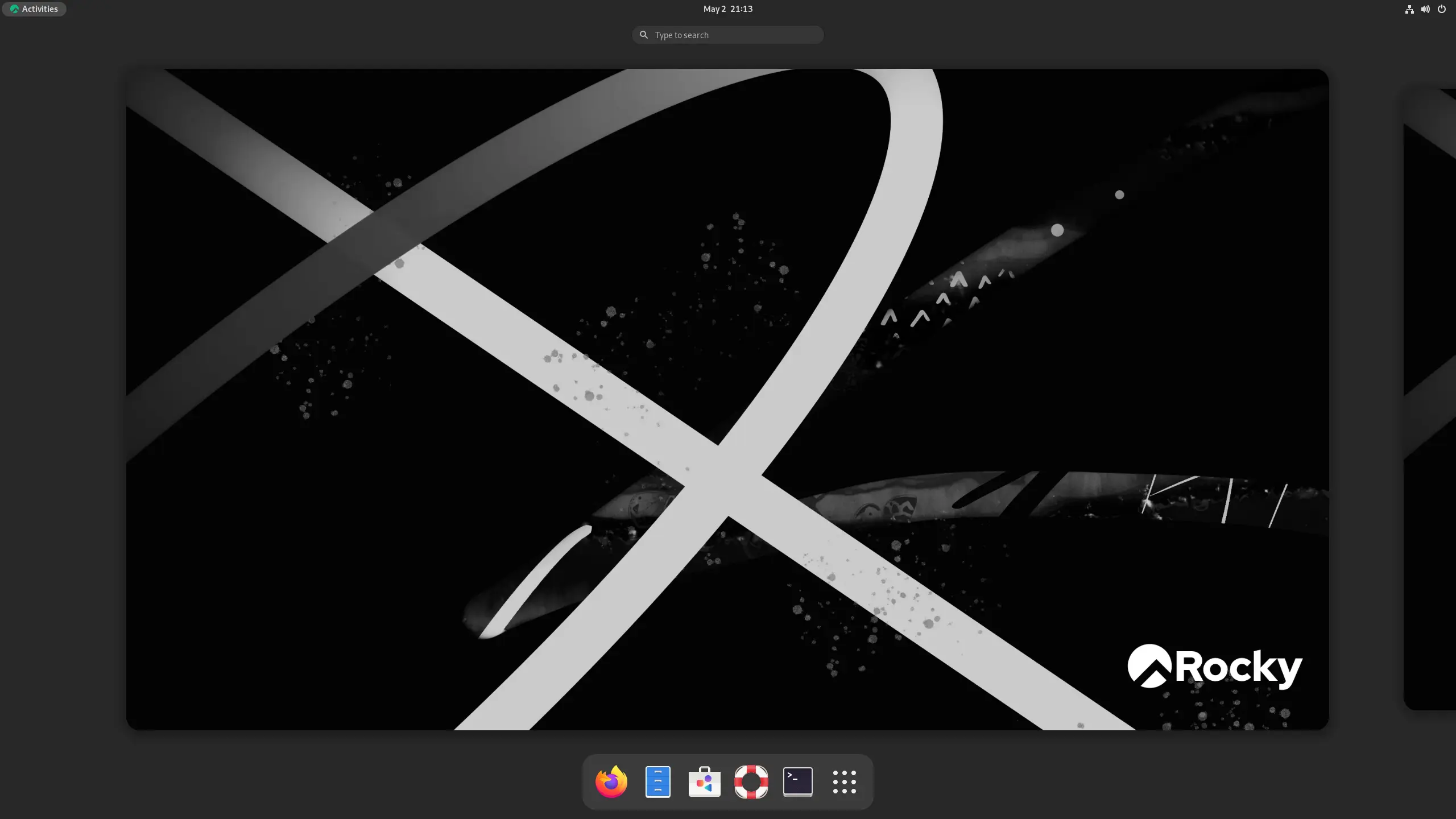
Rocky Linux was built for those who relied on CentOS before its shift in focus. It’s ideal for sysadmins and enterprises that need a reliable, RHEL-compatible system with long-term support and zero surprises in production environments.
Benefits
- Predictable Stability: Offers unparalleled reliability with minimal unexpected changes.
- RHEL Application Compatibility: Ensures seamless operation with software designed for Red Hat Enterprise Linux.
- Long-Term Maintainability: Provides extended security and maintenance updates, simplifying long-term planning.
- Reliable for Regulated Industries: Its focus on consistency meets strict compliance requirements.
Strengths of Rocky Linux
- 1:1 Binary-Compatibility with RHEL: Guarantees a free, robust alternative to RHEL.
- SELinux Enforced by Default: Provides strong mandatory access control for enhanced security.
- Community-Driven Governance: Ensures development aligns with enterprise user needs.
- Consistent Behavior: Highly predictable across major releases, reducing operational risks.
Limitations to Consider
- Conservative Software Versions: Slower access to the absolute latest package releases.
- Smaller Ecosystem than Ubuntu: Less vast community and third-party software availability.
- Kernel Patching Requires Reboots: Critical kernel security updates necessitate system reboots, interrupting uptime — unless you use a rebootless patching solution.
Deep Dive into Ubuntu
Ubuntu is often the starting point for users new to Linux. But it’s also a powerful choice for enterprise, cloud, and containerized workloads. Its fast-paced development and widespread adoption make it a flexible option for teams that want agility and strong community backing.

Benefits
- Ease of Adoption: User-friendly experience with robust GUI and CLI tools.
- Extensive Resource Availability: Benefits from a massive community and readily available documentation.
- Broad Software Access: Extensive software repositories and PPA (Personal Package Archive) support.
- Seamless Cloud Integration: Highly optimized and integrates effortlessly with major cloud platforms.
Strengths of Ubuntu
- Flexible Release Cycles: Offers both stable LTS (Long-Term Support) and more frequent regular releases.
- Excellent Hardware Compatibility: Generally provides strong out-of-the-box support for diverse hardware and drivers.
- Vibrant Ecosystem: Robust environment for DevOps, containers, and automation tools.
- Proactive Security Response: Benefits from rapid security updates and active community forums.
Limitations to Consider
- More Frequent Upgrades (non-LTS): Standard releases have shorter support cycles, requiring more frequent upgrades.
- Less Conservative Updates: Compared to RHEL-based distros, its faster pace can introduce more frequent changes and potential stability trade-offs.
- Kernel Patching Requires Reboots: Frequent kernel updates often necessitate system reboots, adding to operational overhead — unless live patching tools are implemented.
Feature Comparison
Both Rocky Linux and Ubuntu come with powerful feature sets, but their underlying approaches to system management, security, and updates vary significantly. Understanding these differences is key for efficient infrastructure.
Rocky Linux Features
Package Management (DNF/RPM)
By default, Rocky Linux uses DNF, a modern version of YUM, for managing RPM packages. It offers reliable dependency handling, transaction history, and support for modular content. DNF simplifies system updates and rollbacks, providing robust and predictable package management essential for stable enterprise environments.
SELinux
SELinux (Security-Enhanced Linux) is enforced by default in Rocky Linux, offering mandatory access control (MAC) for fine-grained permissions over system resources.
Long-Term Support
Rocky Linux follows RHEL releases and provides free long-term support fora certain duration, which is typically 10 years. This includes 5 years of active support and 5 years of security support.
Enterprise Tooling Support
Rocky Linux supports many of the same tools used in RHEL environments — such as Satellite, Ansible, and Cockpit Linux — making it easier for organizations to migrate or maintain existing RHEL workflows without vendor lock-in.
Ubuntu Features
Package Management (APT)
Ubuntu uses APT (Advanced Package Tool) for installing, updating, and managing software. Its simplicity, speed, and deep integration with Debian-based repositories make it highly efficient for developers and administrators managing diverse systems.
AppArmor
Ubuntu relies on AppArmor for mandatory access controls, and understanding the difference between SELinux and AppArmor helps clarify why Ubuntu favors the former—it’s simpler to manage but slightly less granular.
Rapid Development & Release Options
Ubuntu’s frequent release cycle (every 6 months, with LTS every 2 years) ensures quick access to new features, updated packages, and hardware support. This appeals to developers and cloud-native teams who prioritize cutting-edge tools.
Cloud & Container Optimization
Ubuntu is a leading choice in cloud environments, natively supported by major providers like AWS, Azure, and Google Cloud. Its lightweight images, optimized containers, and strong integration with orchestration tools like Kubernetes make it a highly optimized and versatile platform for DevOps practices and scalable workloads.
Ideal Use Cases for Each Distribution
While both Rocky Linux and Ubuntu are powerful, their strengths align with different infrastructure priorities.
Rocky Linux Is Best for
- Mission-Critical Enterprise Servers: Demanding workloads requiring maximum uptime and stability.
- Highly Regulated Industries: Environments needing strict compliance and long-term audited stability.
- RHEL/CentOS Migrations: Seamless transitions for existing Red Hat-based infrastructures.
- Dedicated Hardware/On-Premise: Strong performance on bare metal servers.
Ubuntu Is Best for
- Cloud-Native & Containerized Workloads: Ideal for Docker, Kubernetes, and scalable cloud deployments (AWS, Azure, GCP).
- Web Servers & Development: Rapid access to new features and a vast developer ecosystem.
- General-Purpose & Desktop Use: User-friendly experience suitable for diverse needs, including workstations.
- Teams Needing Agility: Benefits from faster iterations and access to cutting-edge software.
Pros and Cons of Rocky Linux And Ubuntu
Both Rocky Linux and Ubuntu offer strong capabilities, but each comes with distinct advantages and trade-offs. Here’s a quick breakdown to help you evaluate them for your specific needs.
Pros of Rocky Linux
- Enterprise-grade reliability with 1:1 RHEL compatibility.
- Offers 10 years of free support for major releases
- Predictable and consistent release and update cycles for long-term planning.
- Ideal for mission-critical and highly regulated environments.
Cons of Rocky Linux
- Smaller user base and third-party software collection compared to Ubuntu.
- Can have a steeper learning curve for new Linux users or desktop applications.
Pros of Ubuntu
- Access to large software repositories (APTs, Snaps).
- Excellent cloud, DevOps, and container integration.
- Strong support across a wide range of hardware.
- User-friendly experience for developers and desktop environments.
Cons of Ubuntu
- Faster release cycles can lead to more frequent updates and reboots
- LTS versions offer a shorter free support lifecycle (5 years) compared to Rocky Linux’s 10 years
Deciding on the Best Linux OS for Performance & Stability
The choice between Rocky Linux and Ubuntu ultimately aligns with your organization’s core priorities. Opt for Rocky Linux for unparalleled enterprise-grade stability, long-term support, and RHEL compatibility. Choose Ubuntu if your focus is on agility, access to the latest packages, extensive cloud-native support, and a broader ecosystem.
Regardless of your distribution choice, maintaining continuous uptime while staying secure is crucial. Kernel-level vulnerabilities demand immediate attention, but traditional patching often forces disruptive reboots.
TuxCare’s KernelCare Enterprise ensures your Rocky Linux or Ubuntu systems receive rebootless kernel patches, eliminating downtime risks. KernelCare enables automated rebootless patching, so critical security updates are applied as soon as they are available, which significantly narrows your vulnerability window.
Keep your mission-critical services running 24/7 and achieve seamless security and compliance with KernelCare.
FAQs
Can Rocky Linux and Ubuntu coexist on the same machine?
Yes, they can. You can use dual-boot configurations or, more commonly, run them as virtual machines with software like VirtualBox, VMware, or KVM.
Which has better hardware compatibility, Ubuntu or Rocky Linux?
Ubuntu generally offers better hardware compatibility due to its larger driver base and frequent updates, making it ideal for modern desktops, laptops, and cloud environments.
Is Rocky Linux more stable than Ubuntu for enterprise use?
Yes, Rocky Linux offers superior stability for enterprise use. Its RHEL compatibility, 10-year free support, and conservative update policy prioritize reliability for production and regulated environments.