Tech Support
 Documentation
 Login
 Contact Us



Go straight to an AI summary of this blog post instead 


Key Takeaways
- Ubuntu 22.04 LTS (Jammy Jellyfish) reaches the end of Canonical’s standard security maintenance in May 2027.
- Systems left on 22.04 keep running, but the free security patches stop arriving.
- Upgrading to Ubuntu 24.04 and then 26.04 LTS is the clean long-term fix.
- If that move can’t land in time, TuxCare’s Endless Lifecycle Support keeps the patches coming.
Your 22.04 servers still boot. Still serve traffic. Still pass every health check. And that’s kind of the problem. Ubuntu 22.04 end of life doesn’t show up as an outage. Standard security maintenance ends in May 2027, and the boxes just keep humming while the free patches quietly stop arriving.
This article covers the exact lifecycle dates, what actually breaks when support ends (and what doesn’t), why migration usually takes longer than planned, and the concrete options for staying patched after the deadline.
Ubuntu 22.04 Support Lifecycle Dates to Know
Ubuntu 22.04 LTS (Jammy Jellyfish) shipped on April 21, 2022. Like every LTS release, it gets five years of standard security maintenance for packages in main, with optional paid extensions stacked on top. Here’s the full timeline at a glance.
| Phase | Date | What it means |
| General availability | April 21, 2022 | Initial LTS release |
| End of standard security maintenance | May 2027 | Free CVE patches for main stop |
| End of Ubuntu Pro ESM coverage | May 2032 | Paid ESM covers main and universe |
| End of Legacy add-on coverage | May 2037 | Final paid extension, 15 years total |
The date that matters most is May 2027. Up to that point, apt upgrade pulls free security patches from the Ubuntu archive. After that, packages in main stop getting those fixes unless you move to extended coverage such as Ubuntu Pro. The system keeps running. It just stops getting fixed for free.
What Happens When Ubuntu 22.04 Reaches End of Life?
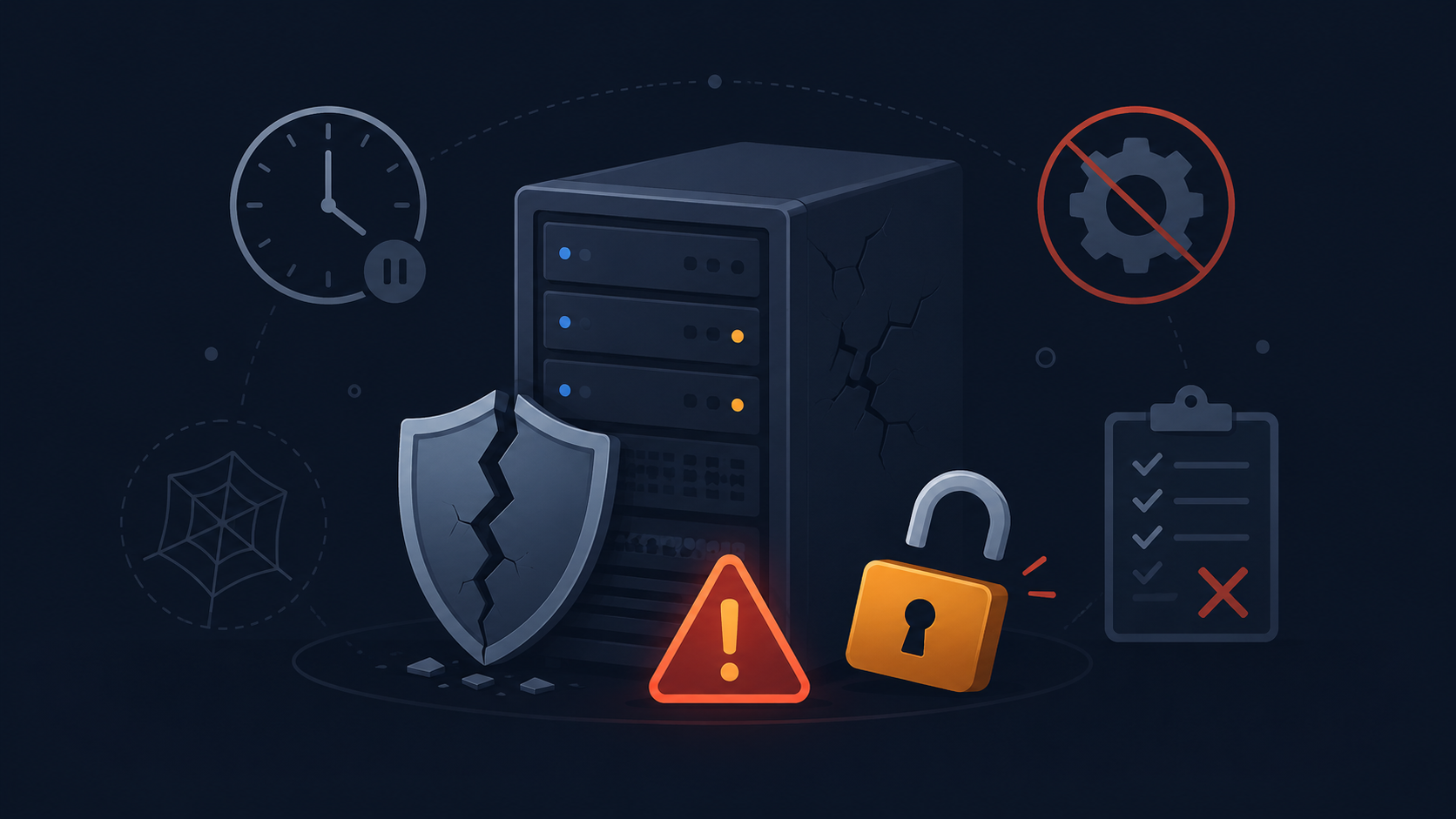
End of life isn’t a soft deadline you can quietly slide past. The moment it hits, the risk profile of every 22.04 system still in production changes. Same hardware, same workload, different threat surface. These risks stack, and they compound every month you stay put.
1. Unpatched CVEs become permanent
Vulnerabilities disclosed after May 2027 no longer get fixes through 22.04’s standard security maintenance. Without extended coverage of some kind, they sit there unpatched indefinitely, including after exploit code goes public. To get a sense of the volume involved, LinuxCVETracker had logged more than 4,800 Linux kernel CVEs for 2026 by late August, 359 of them rated Critical and 1,896 rated High.
One of those has already crossed from theory into practice. CVE-2026-31431, nicknamed “Copy Fail”, was added to CISA’s Known Exploited Vulnerabilities (KEV) catalog on May 1, 2026. It’s a local privilege escalation flaw introduced by a 2017 kernel change that lets an unprivileged local user walk straight to root, and it carries a CVSS score of 7.8 (HIGH).
That’s one year, and just the kernel. TuxCare’s Open Source Landscape Report 2026 found that among organizations reporting a cybersecurity incident, 61.4% said the incident happened when a patch was already available and simply hadn’t been applied. Without extended coverage, the patch isn’t late. There may be no patch coming through the standard channel at all.
2. Compliance audits get harder to pass
PCI DSS, HIPAA, SOC 2, and GDPR all expect you to manage known vulnerabilities and keep appropriate security controls in place, and an end-of-life operating system makes that a much harder argument to win. PCI DSS is the most explicit about it. Unsupported software can put the patching requirements out of reach, and while a properly designed compensating control is sometimes accepted, you have to document the constraint and demonstrate that the control genuinely addresses the risk. That’s a much heavier compliance burden than keeping the system patchable.
The downstream cost isn’t theoretical either. The 2026 IBM Cost of a Data Breach Report put the global average breach at a record USD 4.99 million, up 12% year over year.
3. The software ecosystem leaves you behind
This one creeps in slowly, which is why people underestimate it. Monitoring agents drop support for old releases. Newer language runtimes won’t build against aging system libraries. Eventually, even vendor support teams stop troubleshooting tickets from EOL systems, and by then you’re already running blind.
Why Migrating Isn’t Always Simple
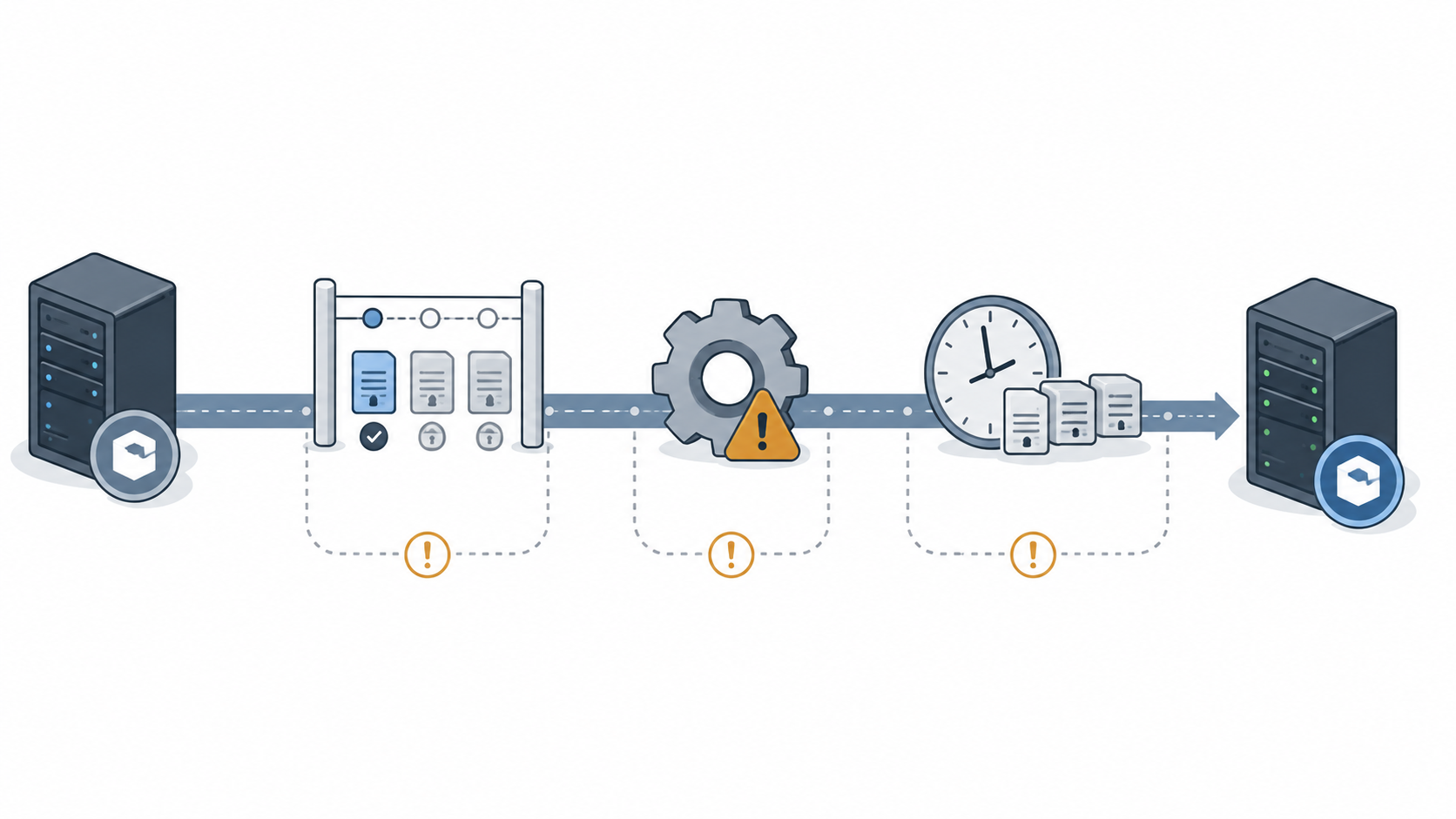
On paper, the upgrade looks like one command. In practice, it’s a project, and scoping it always turns up more than a version bump. It surfaces every assumption your stack quietly made about the OS underneath. Here are the three friction points that routinely turn a “quick upgrade” into a quarter of planning.
LTS upgrades are sequential
You can’t jump straight from 22.04 to the latest LTS version. Ubuntu’s upgrade path moves one release at a time, so getting to Ubuntu 26.04 from 22.04 means going through 24.04 first. Canonical’s own 26.04 release notes spell this out.
sudo do-release-upgrade
Each hop is its own test-and-validate cycle, and each one can surface its own breakage. If you take the in-place route all the way to 26.04, budget for two upgrade events rather than one. For a larger fleet, the cleaner approach is often a fresh install of the target LTS onto new infrastructure and a redeploy via config management, which skips the in-place chain altogether.
Pro Tip: Check that Prompt=lts is set in /etc/update-manager/release-upgrades if you want the box to follow LTS releases, which is the default on an LTS install. Bear in mind that the LTS-to-LTS path only opens once the target release reaches its first point release. Run do-release-upgrade -c to check whether the next release is actually available without starting the upgrade.
Applications break on the new base
The OS upgrade itself rarely hurts. It’s the app on top. Moving from 22.04 to 24.04 bumps Python, OpenSSL, and dozens of system libraries forward several versions at once, and code that relied on older behavior can fail in ways that don’t show up until runtime.
Third-party repositories such as PPAs are typically disabled during the release upgrade. Deprecated config options get silently ignored. That legacy internal service nobody has touched in three years is exactly where this goes sideways. The mitigation is non-negotiable. Rebuild in a staging environment that mirrors production, run your full test suite, and fix the breakage there. Not at 2 a.m. during the cutover.
Coordinating downtime across a fleet
One server is a maintenance window. Three hundred servers is a logistics problem. Change freezes, compliance sign-offs, dependency ordering between services, and the fact that not everything can reboot at once all conspire to stretch the timeline.
Teams that went through the Ubuntu 16.04 end of life scramble know this firsthand. The mitigation is a phased rollout. Non-production first, then low-risk production, then critical systems, with golden images and infrastructure-as-code so each batch is repeatable. If the timeline genuinely won’t fit before May 2027, that’s when extended patching coverage earns its keep.
How to Check Your Ubuntu Support Status in 2 Minutes
You don’t have to guess where any box stands. Two commands give you the version and the live support state, and the lifecycle dates tell you how much runway is left. Run them in order on any host you’re unsure about.
First, confirm your exact version
Start by confirming the release and codename.
lsb_release -a
Look for Release: 22.04 and Codename: jammy. If you want the raw source, cat /etc/os-release gives you the same data plus the full version string. Anything reporting jammy is on the 22.04 clock, and point releases like 22.04.5 don’t move that date.
Next, check the live support status
This is the step most people skip. The Ubuntu Pro client shows which security coverage currently applies to the packages on a system.
pro security-status
The output tells you how many packages are covered, whether standard or ESM security updates are available, and which packages fall outside those security-update channels. If it lists packages “no longer receiving security updates,” those packages have left that update channel, and the potential exposure grows as new vulnerabilities affecting them are disclosed. TuxCare’s Ubuntu end of life overview walks through what that state means in practice.
Finally, map what you found to the lifecycle
Cross-reference against the dates table above or endoflife.date, then count your runway. On 22.04 with no Pro, standard security maintenance ends in May 2027. With Pro or ESM active, coverage runs through May 2032, which buys real time but doesn’t take the migration off your roadmap.
Write the date down. “Sometime in 2027” is not a migration plan. “We cut over in Q1 2027, with ELS as the fallback if we slip” is.
What to Do If Your Ubuntu Version Is EOL
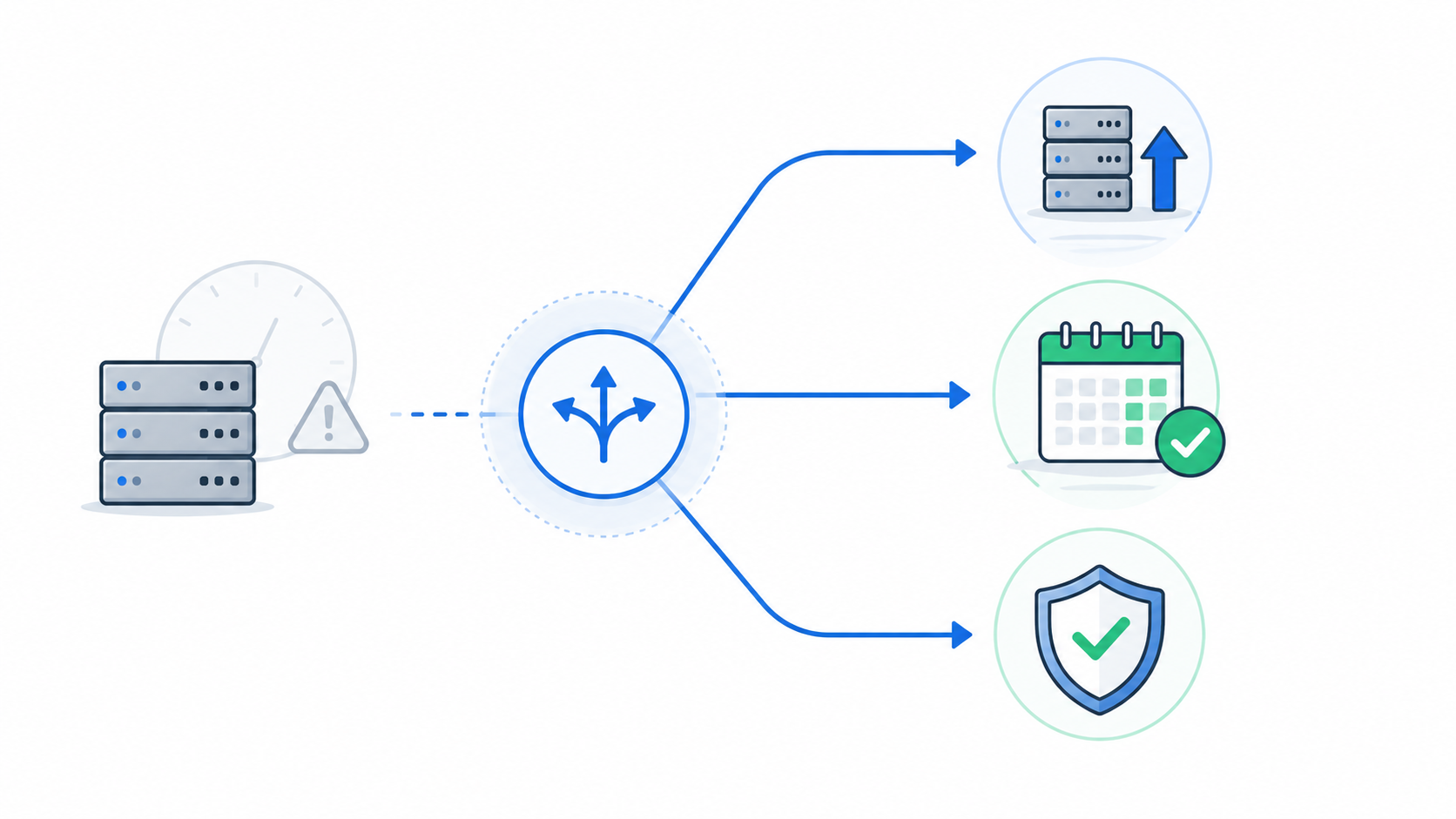
Hitting EOL on 22.04 isn’t a dead end. There are three real paths, and the right one depends on whether you can move and when. Pick based on your actual constraints, not the option that sounds cleanest in a doc.
Use extended support
If migration genuinely can’t happen before May 2027, whether that’s a regulatory freeze, end-of-life hardware, or an application stack that won’t move cleanly, TuxCare’s Endless Lifecycle Support keeps systems patched without forcing the upgrade. You keep receiving CVE patches for the packages you’re actually running while you plan the move at a pace that makes sense.
The value isn’t “never upgrade.” It’s keeping the patching window open so the migration gets done properly instead of in a rush. TuxCare ELS covers Ubuntu 16.04, Ubuntu 18.04, and Ubuntu 20.04 today, and will cover 22.04 when standard support ends.
Extended support is a safety net, not a plan to run 22.04 into the 2030s. Use it to buy a clean migration window, then actually use that window. TuxCare’s 2026 Open Source Landscape Report found that 50.2% of organizations handling EOL components in production turn to extended lifecycle support or vendor patching, ahead of migration at 43.9% and upgrades at 41.0%. That doesn’t mean they’ve given up on migrating. Extended support gives them a controlled window to do it properly.
Upgrade to a supported LTS
The best long-term move is upgrading to a current LTS. As of 2026, that’s Ubuntu 24.04 LTS, with standard security maintenance running to May 2029, or 26.04 LTS (Resolute Raccoon, released April 23, 2026), which runs to May 2031.
Remember that from 22.04 you go to 24.04 first, then 26.04. Before you scope the work, note that 26.04 makes the Ubuntu desktop session Wayland-only, since GNOME Shell can no longer run as an X.org session, and it moves the kernel from 6.8 to 7.0. X.org applications still run through XWayland and other desktop sessions can still use X.org, but anything with desktop or kernel-driver dependencies deserves a closer look. This path gives you a fresh multiyear standard-support runway. It’s also the most work upfront, so budget for the testing and breakage scenarios covered above.
Enable Canonical Ubuntu Pro with ESM
If you want extended coverage straight from the vendor, Ubuntu Pro turns on ESM for 22.04 through May 2032, with security coverage for packages in main and universe. It’s free for personal use on up to five machines, with paid plans available for organizational deployments.
Pro is the lowest-friction path if you’re already all-in on Canonical’s tooling. For larger fleets, though, the per-machine pricing adds up quickly, which is where third-party options like TuxCare ELS are worth comparing before you commit.
Stay Secure After Ubuntu 22.04 Reaches EOL with TuxCare
May 2027 is closer than it looks, and the boxes won’t warn you when it arrives. They’ll just stop getting patched. Whether you migrate to 24.04, redeploy onto 26.04, or need to hold on to 22.04 longer than planned, what you can’t defer is a decision about the security gap between now and your cutover date.
If that cutover can’t land on time, Endless Lifecycle Support from TuxCare keeps your 22.04 systems patched against new CVEs without a rushed migration or unplanned downtime. EOL becomes a milestone on your roadmap instead of a fire drill.
FAQs
Ubuntu 24.04 LTS (Noble Numbat) and 26.04 LTS (Resolute Raccoon) are the current LTS successors. For an in-place release upgrade from 22.04, the supported path is sequential, so you move to 24.04 first and then to 26.04 if needed. A clean redeployment straight onto 26.04 works too.
Run lsb_release -a in a terminal. The Release and Codename fields tell you what you need, since 22.04 and jammy mean you’re on Jammy Jellyfish. cat /etc/os-release gives you the same information.
Yes. The system keeps running after May 2027, but it stops receiving free security updates for packages in main. You’ll need Ubuntu Pro with ESM or suitable third-party extended support to keep receiving security patches and to help meet your compliance requirements. Running an OS beyond standard support isn’t the same as running a broken one, but without extended coverage you can no longer rely on the standard update channel when new vulnerabilities surface.