Tech Support
 Documentation
 Login
 Contact Us

Got 12 minutes? Tell us how you use open source and enter to win a Flipper Zero, LEGO set or $100 Amazon gift card. Start Survey →

Endless Lifecycle Support for Debian 11
Keep Debian 11 secure for as long as it stays in
your stack, even after LTS ends.
TuxCare’s Endless Lifecycle Support extends Debian 11 security beyond upstream end of life with continuous CVE
patches for as long as you need them, so production stays protected and your migration happens on your schedule.


On August 31, 2026, the Debian LTS team stopped patching Bullseye for good. Any CVE disclosed since then leaves your systems exposed, with no OS-level patch coverage.
Moving to Debian 12 or 13 is the right long-term path, but real migrations take time you don't have. TuxCare's Endless Lifecycle Support buys you that time, keeping Debian 11 patched while your team upgrades on its own schedule.

Keep Running. Skip the Risks.
Migrating off Debian 11 is rarely quick. Package changes, dependency conflicts, kernel differences, and app compatibility issues can turn a "simple upgrade" into a full-blown project.
Endless Lifecycle Support keeps your Bullseye systems secure now that LTS has ended, so you can migrate properly, not in panic mode.
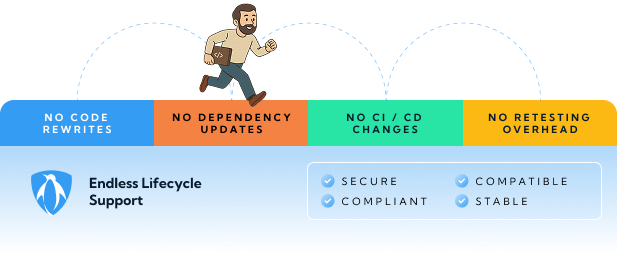
What Does Endless Lifecycle
Support Include?

Rapid CVE Response
Rapid SLA-backed security patches for Debian for as long as you need

Preserved Compatibility
Extensively tested updates designed to work flawlessly with your existing code

Seamless Integration
Drop-in Debian security updates with no disruption to existing workflows

Secure Distribution
Signed, tamper-proof Debian security updates delivered from trusted, TuxCare-hosted repositories

Trusted Support
24/7 expert assistance with Debian vulnerability triage, security patch requests, and troubleshooting
How Does It Work?

We onboard new projects and enable 24/7 automated CVE tracking – monitoring the NVD, vendor, and GitHub security advisories, and other sources.
Once CVEs are detected, we backport upstream fixes using algorithmic and AI-assisted automation, with expert validation to ensure accuracy.

Patches are compiled in a binary format, extensively tested (for integrity, functionality, and regression), signed, and deployed to ELS repositories.

Your package managers, build tools, or orchestrators check for updates, then automatically pull and install them.
Built for Your Stack
ELS for Debian is built to install easily and run with your existing workflows
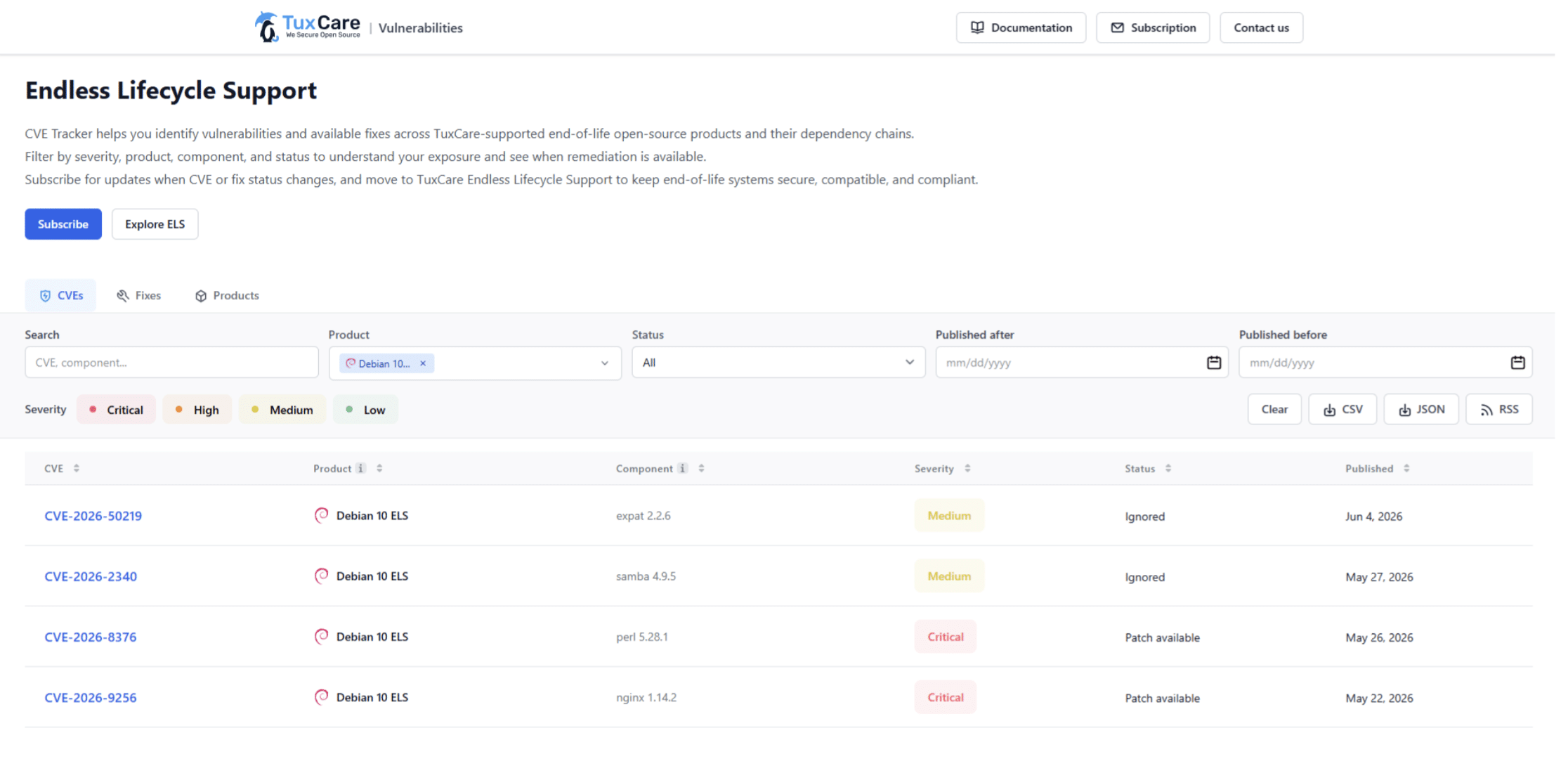
Support for a Comprehensive List of Packages
When you sign up for TuxCare’s Extended Lifecycle Support, you’ll get patches for an
extensive package list, providing maximum security for your operating system
Switching to TuxCare for Debian
Support is Simple

Step 1
Connect to the TuxCare repository with a simple
script – and no reboot
Step 2
You’re fully protected with regular ongoing security
patches for as long as your organization needs them!

TuxCare has successfully resolved
more than 14,000 CVEs
in open-source software - keeping enterprise
systems secure and compliant
Frequently Asked Questions
ELS for Debian provides security updates for Debian 10 "Buster" and Debian 11 "Bullseye" after their Debian LTS periods end. TuxCare hosts the patched packages in its own repository, so existing servers keep receiving fixes through apt with no reinstall and no jump to a new release.
Debian 10 LTS ended on June 30, 2024, and Debian 11 LTS ended on August 31, 2026. TuxCare keeps patching both for as long as you need them and commits to a support term of 25 years from those dates, so Debian 10 ELS runs to June 30, 2049 and Debian 11 ELS to August 31, 2051.
Debian 10 and 11 ELS support x86_64 (amd64), arm64 and armel. The armel support matters for embedded and appliance deployments, where Debian is common and hardware refreshes take years. For other architectures, TuxCare's sales team can discuss options.
Coverage includes the kernel and 100+ packages integral to running a server. The full list for each release is published in the TuxCare CVE Tracker alongside every fixed CVE. If your stack depends on something outside that list, support for additional packages can be arranged on request.
TuxCare aims to deliver fixes for high and critical vulnerabilities (CVSS 7.0 and above) within 14 days of public disclosure. Medium-severity issues can also be patched when mitigations aren't available and there's sufficient demand. Customer-directed patch requests for CVEs outside the standard scope are reviewed within three working days.
Download the install script for your release from repo.tuxcare.com, run it with your license key, and confirm the setup with apt-cache show els-os-release. The script registers the server and adds TuxCare's PGP key. After that, a standard apt upgrade pulls patched packages. Outbound port 443 must be open to cln.cloudlinux.com and repo.tuxcare.com.
If an upgrade is straightforward, upgrading is usually the right call. ELS earns its place when it isn't: appliances with certified software stacks, tightly pinned dependencies, or fleets too large to move at once. It keeps those systems patched so the migration can happen properly instead of in a rush.
Keep Debian 11 Secure
Beyond End of Life
Talk to a Debian security expert about patching Bullseye beyond end of life.