Tech Support
 Documentation
 Login
 Contact Us



Go straight to an AI summary of this blog post instead 


Key Takeaways
- TuxCare secures end-of-life software and open source dependencies, and patches Linux kernels without reboots.
- Red Hat Satellite gives RHEL estates staged, controlled patch content, even on hosts with no internet access.
- ManageEngine, Automox, and NinjaOne cover Windows, macOS, and Linux endpoints with different deployment models.
- Compare OS coverage, restart handling, and pricing units, since headline prices rarely line up across vendors.
Patch management tools often look alike on a feature list, but they don’t all solve the same problem. Some push updates to fleets of laptops and desktops, some manage content for a single Linux family, and some keep systems patched when reboots are off the table or the vendor has stopped shipping fixes. The differences show up when you match them to your environment: which operating systems they cover, whether they update third-party applications, how you deploy them, and what happens when an update needs a restart.
This guide profiles five tools and compares them on operating system coverage, automation, pricing model, and reviews. It’s built from vendor documentation, published pricing, and G2 ratings rather than a hands-on lab bake-off. For definitions and processes, see our guides to patch management and automated patch management.
Comparing the five patch management tools at a glance
The table lines up the five tools in the order they’re profiled below. Prices and ratings move, so check each vendor’s pricing page and G2 before you shortlist.
| Tool | Best for | OS coverage | Third-party apps | Pricing model | G2 rating |
| TuxCare | End-of-life software, open source dependencies, and Linux servers that can’t reboot to apply patches | Linux, plus PHP and .NET runtimes on Windows through ELS | Open source runtimes, languages, and applications through ELS, and dependencies through SecureChain | Custom quote, with online purchase for KernelCare, ELS for OS, and ELS for Runtimes | 4.6 |
| Red Hat Satellite | RHEL estates that need content and lifecycle control | RHEL | No desktop app catalog, but it syncs custom Linux repositories | Add-on subscription to RHEL | 4.5 |
| ManageEngine Patch Manager Plus | Windows-led teams that want on-premises or cloud control | Windows, macOS, Linux | Yes, in all three editions | Annual, by computer count, plus a free edition | 4.5 |
| Automox | Cloud-first teams with remote endpoints | Windows, macOS, Linux | Yes, above the entry plan | Per endpoint per month | 4.5 |
| NinjaOne | MSPs and teams that want patching inside an RMM | Windows, macOS, Linux | Yes, with a catalog that covers Windows and macOS | Per device per month, by quote | 4.7 |
TuxCare
TuxCare provides security patching and support for Linux and the open source software running on top of it. Its products cover rebootless kernel and shared library patching, security updates for end-of-life operating systems, runtimes, language ecosystems, and applications, plus verified open source dependencies through SecureChain. It doesn’t patch Windows or macOS operating systems, so a mixed fleet needs a general endpoint tool beside it.
Key features
TuxCare focuses on the jobs general-purpose patch tools tend to leave alone, namely reboots for kernel updates, service restarts for library updates, and security fixes for software past its end of life.
Automated rebootless patching for kernels and libraries
KernelCare applies kernel security patches to a running system, so a fix takes effect without a reboot or a maintenance window. Its agent checks for new patches and applies them automatically, which means patching doesn’t hang on someone kicking off a manual rollout. The LibCare add-on brings rebootless patching to OpenSSL and glibc, two libraries that normally force a service restart after an update. KernelCare supports 70+ Linux distribution versions, including RHEL, CentOS, Ubuntu, CloudLinux, Proxmox, Oracle Linux, Amazon Linux, and Debian.
ePortal is the web management console for KernelCare and a local source for patches. You install it on-premises or in your own cloud, and it hands patches out to servers inside your network, including servers behind a firewall with no internet access. It also lets you control when patches roll out, for example by sending them to a test group before production.
Security updates past end of life
Endless Lifecycle Support (ELS) delivers security updates for open source technologies after the original vendor or maintainer ends support. The full list of covered end-of-life software lives on the ELS pages for operating systems, runtimes, language ecosystems, and applications.
Verified open source dependencies with SecureChain
SecureChain is a package source for open source dependencies in JavaScript, Python, Java, Go, and PHP. Each package is screened for known malware, suspicious code patterns, and supply chain risks, then rebuilt from source in hardened, isolated build environments. Anything that fails inspection is blocked before it reaches your environment. SecureChain monitors active components and patches vulnerabilities under an SLA, and ELS keeps the fixes coming after upstream maintenance ends. It works at the application dependency layer, which sits above the operating system, patching the other tools that this guide handles.
Pricing
TuxCare prices around your environment rather than fixed tiers, so most teams start by requesting a quote on TuxCare’s pricing page. KernelCare, ELS for OS, and ELS for Runtimes are the exceptions, and all three can be bought online. KernelCare’s online plans are designed for smaller fleets, and its product page offers a free trial.
| Product | Pricing model | Where to get a price |
| KernelCare | Self-serve plans or custom quote | KernelCare product page or TuxCare’s pricing page |
| LibCare | Add-on to KernelCare | TuxCare’s pricing page |
| Endless Lifecycle Support | Online purchase for ELS for OS and ELS for Runtimes, custom quote for other ELS products | ELS for OS and ELS for Runtimes online stores, or TuxCare’s pricing page for a quote |
| SecureChain | Custom quote | TuxCare’s pricing page |
Where TuxCare shines
Rebootless patching comes first. Kernel and library fixes take effect on systems that can’t schedule reboots. Coverage is wide as well, since one vendor handles kernels, libraries, end-of-life operating systems, runtimes, language ecosystems, and application dependencies instead of a separate contract for each layer. And ELS gives end-of-life systems a steady source of security updates while a migration waits on hardware, budget, or certification.
Where TuxCare falls short
TuxCare doesn’t patch Windows or macOS operating systems. ELS for PHP and .NET does cover those runtimes on Windows as well as Linux, but the OS itself needs another tool. The rebootless patching payoff also shrinks if your servers already restart inside regular windows without trouble. In that case the value shifts to the end-of-life and dependency products.
Customer reviews
KernelCare holds a 4.6 out of 5 rating on G2.
Who TuxCare is best for
TuxCare fits platform teams with uptime commitments, where every reboot means a change ticket or a failover. It also suits anyone still running end-of-life systems such as CentOS 7 or an old PHP or .NET release that can’t be migrated yet, and teams that want the open source packages feeding their builds screened before they land.
Red Hat Satellite
Red Hat Satellite is Red Hat’s infrastructure management product for RHEL fleets. It mirrors Red Hat content, organizes patches by errata, and promotes content through environments such as development, test, and production. Red Hat sells it as an add-on to RHEL subscriptions.
Key features
Content views and lifecycle environments
Satellite lets you freeze a set of repositories as a content view and promote it through environments, so every host in an environment has the same package versions available. That gives auditors a consistent baseline and makes drift easy to spot.
Errata-driven patching
Patches are organized around Red Hat errata, so you can apply security errata at a chosen severity across a host group. That maps neatly onto how many RHEL teams already triage CVEs.
Disconnected hosts and non-Red Hat content
Satellite can serve hosts in disconnected environments, and it syncs custom repositories alongside Red Hat content. Those repositories are content, though. The hosts themselves still have to be RHEL. Red Hat Lightspeed, formerly Red Hat Insights, is included with RHEL subscriptions and analyzes RHEL systems, while Satellite adds deeper content control for more complex deployments.
Pricing
Red Hat sells Satellite as an add-on subscription and doesn’t list a price on the product page. Ask Red Hat or a reseller for a quote, and confirm how the subscription counts managed systems.
| Item | Pricing model | Current price |
| Red Hat Satellite | Add-on subscription to RHEL | Confirm with Red Hat or a reseller |
| Red Hat Lightspeed | Included with RHEL subscriptions | Included |
Where Red Hat Satellite shines
Errata, content, and subscriptions all come straight from the operating system vendor, which is hard to beat for a pure RHEL shop. Disconnected environments are well served, since hosts without internet access pull updates from a local content mirror. You also get one pipeline for a lot of hosts, with updates moving through environments and landing on host groups from a single place.
Where Red Hat Satellite falls short
Satellite is built for RHEL, and its supported host list doesn’t include Ubuntu or Debian, so those servers need a separate tool. It’s also a server you have to run and upgrade yourself, which is real overhead for a small team, so check whether Lightspeed already covers what a smaller fleet needs. And restarts don’t go away. Satellite delivers kernel updates that take effect after a reboot, and live kernel patching on RHEL comes separately from kpatch, which has its own support scope.
Customer reviews
Red Hat Satellite holds a 4.5 out of 5 rating on G2.
Who Red Hat Satellite is best for
Satellite makes the most sense for RHEL-only enterprises with strict change control that want promotion through environments and a consistent baseline. Regulated or disconnected sites that need a local content mirror are a natural fit, as are teams already buying from Red Hat that would rather get content management from the same vendor as the operating system.
ManageEngine Patch Manager Plus
Patch Manager Plus comes from ManageEngine, the IT management division of Zoho Corporation. It patches Windows, macOS, and Linux, covers third-party applications, and runs on-premises or in the cloud. A free edition exists for small environments.
Key features
Automated patch testing and approval
The Enterprise edition can deploy patches to a test group first and approve them for production automatically, which turns testing into a routine step instead of an afterthought. ManageEngine’s edition comparison shows the Professional edition without this feature.
Third-party application patching
The same edition table lists third-party patching in all three editions, so browsers and PDF readers sit inside the same workflow as operating system updates.
Driver, BIOS, and antivirus definition updates
The Enterprise edition also adds Windows driver and BIOS updates, antivirus definition updates, and patch download scheduling, which suits Windows fleets that manage hardware updates alongside patches.
Pricing
ManageEngine lists annual prices for 50 computers and a single technician, and the price changes with computer count and technician count. Use its quote tool for your own numbers.
| Edition | Listed annual price (50 computers, one technician) | Notes |
| Free | No charge | Up to 20 workstations and 5 servers |
| Professional | $245 on-premises, $345 cloud | No automated patch testing |
| Enterprise | $345 on-premises, $445 cloud | Adds automated testing, driver and BIOS updates |
Where ManageEngine Patch Manager Plus shines
Deployment is flexible. You can run it on-premises or in the cloud, and the on-premises option suits teams with data residency rules. The free edition and modest starting prices make a trial painless, and the Enterprise-tier driver, BIOS, and antivirus definition updates go well past operating system patching.
Where ManageEngine Patch Manager Plus falls short
Some G2 reviewers say failed patch jobs can be hard to diagnose. Linux is supported, but the product’s strongest tooling targets Windows, so test your distributions during a trial.
Customer reviews
Patch Manager Plus holds a 4.5 out of 5 rating on G2.
Who ManageEngine Patch Manager Plus is best for
It’s a strong pick for Windows-centered IT teams, especially those already running other ManageEngine products. Organizations that need on-premises control because data residency or policy rules out a purely cloud console will like it too, and small teams testing the waters get a practical starting point in the free edition.
Automox
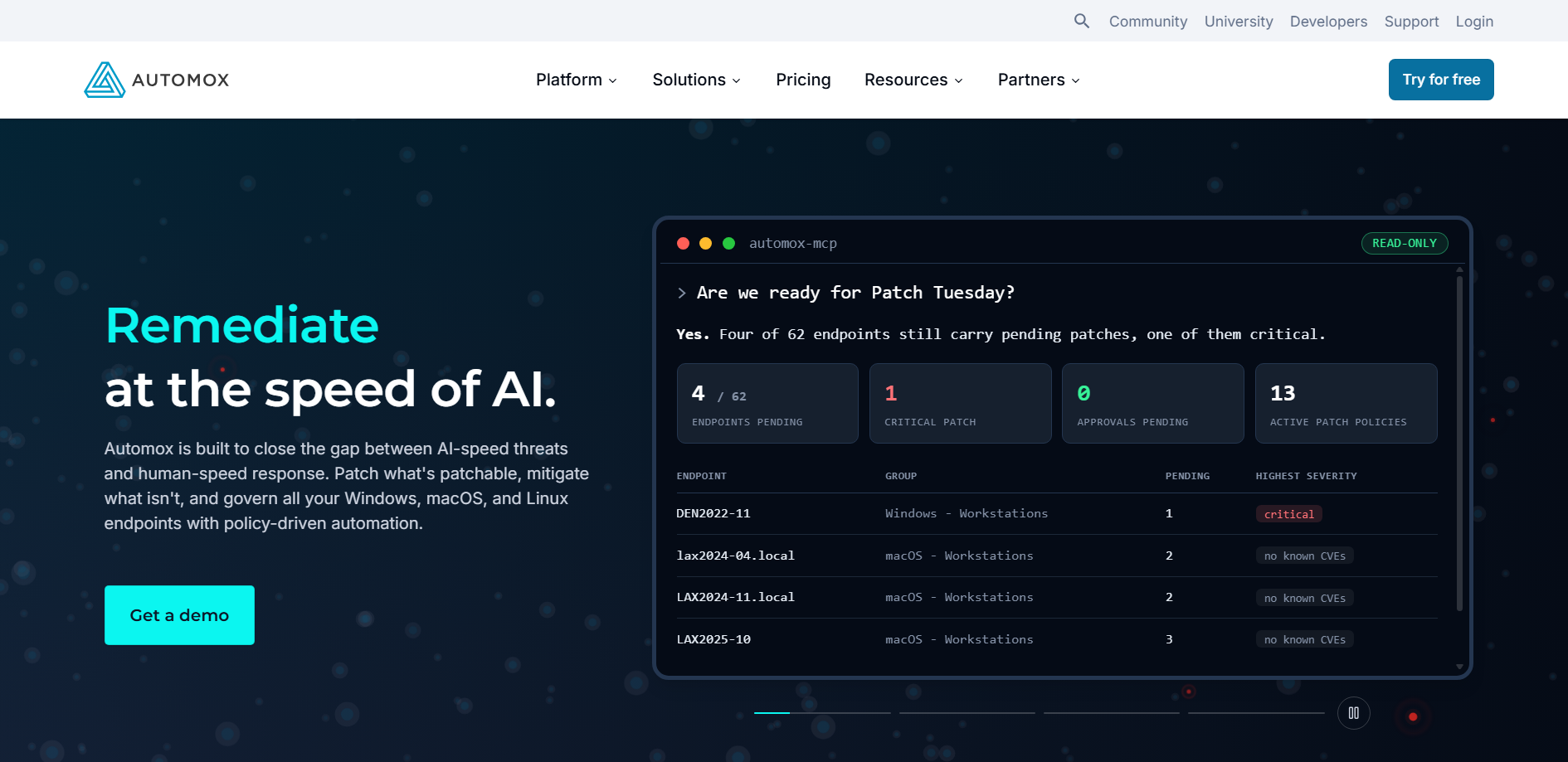
Automox is a cloud-native endpoint platform that patches Windows, macOS, and Linux from a browser console through an installed agent. There’s no patch server to run, which suits distributed teams and laptops that rarely touch the office network.
Key features
A cloud console with no patch server
You install an agent, group devices, and set patch policies in the web console. Devices check in over the internet, so remote laptops follow the same policy as office machines.
Worklets for scripted automation
Worklets are scripts, written in PowerShell for Windows and Bash for macOS and Linux, that run on a schedule or on demand for configuration fixes, software removal, and similar tasks. Automox publishes a Worklet catalog, and its pricing page lists the library of ready-made Worklets under the Automate Enterprise plan.
Pricing
Automox lists a Patch OS plan priced per endpoint per month with an annual commitment, plus custom pricing for its Automate plans. A free trial is available.
| Plan | Pricing model | Current price |
| Patch OS | Per endpoint per month, annual commitment | $1 per endpoint per month |
| Automate Essentials | Custom | Contact Automox |
| Automate Enterprise | Custom | Contact Automox |
| Free trial | Available | Confirm the length on Automox’s trial page |
Where Automox shines
Rollout is quick. Agent-only deployment lets a small team bring endpoints in fast, and Windows, macOS, and Linux all sit in a single policy engine. It works best for remote staff – laptops patch wherever they connect.
Where Automox falls short
Restarts stay your problem. Linux kernel updates typically need a reboot to take effect, and some G2 reviewers describe reboot prompts landing at awkward times. Third-party titles also sit above the entry plan, because Patch OS covers operating system patching only.
Customer reviews
Automox holds a 4.5 out of 5 rating on G2.
Who Automox is best for
Automox fits remote-first IT teams with laptops scattered across home networks, and lean IT departments that want patching without running patch infrastructure. It also suits Windows and Mac shops with a Linux minority, where Linux servers make up a small share of the fleet.
NinjaOne
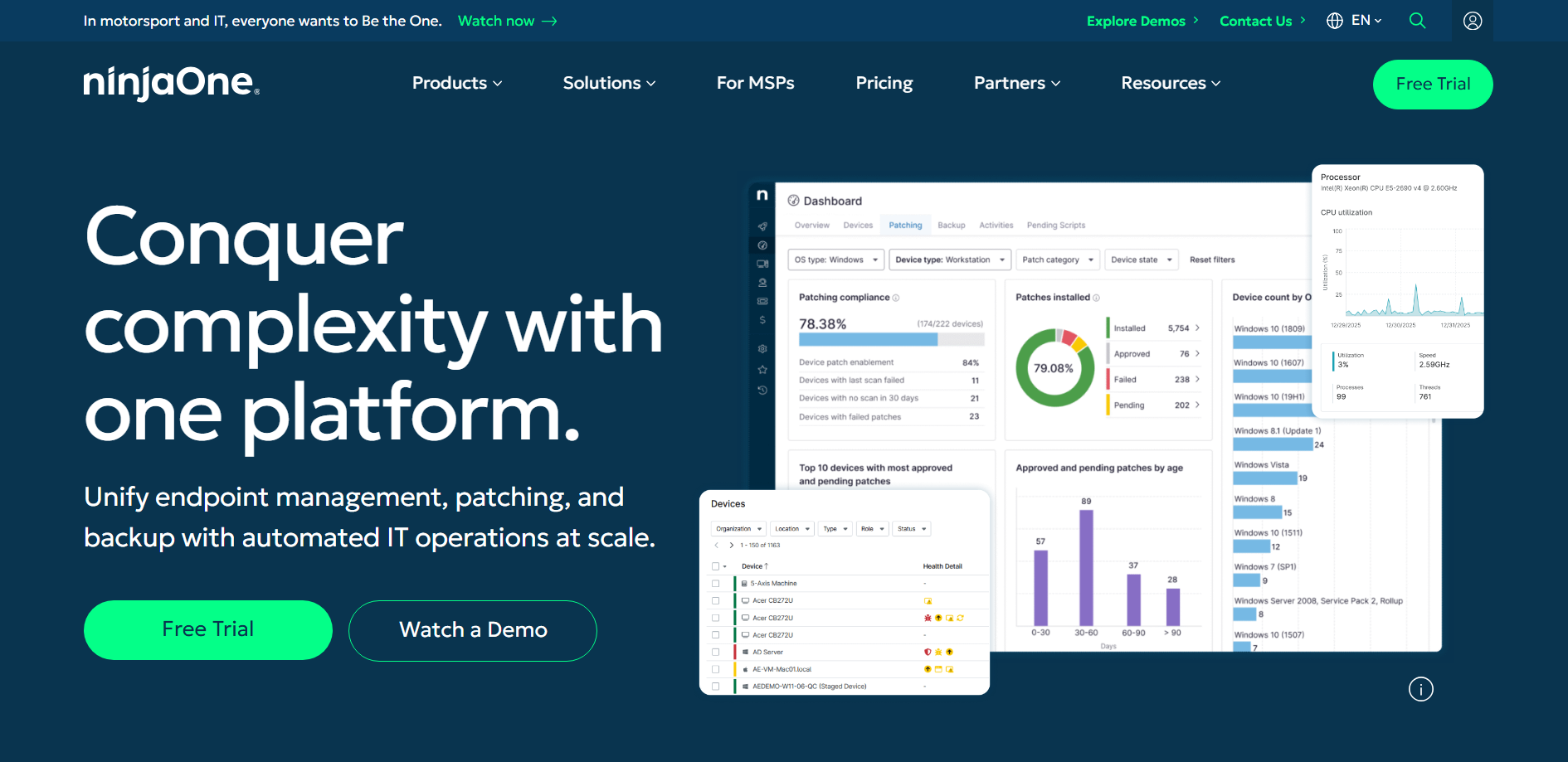
NinjaOne is a remote monitoring and management (RMM) platform with patching built in. It patches Windows, macOS, and Linux, and its MSP patching page lists more than 6,000 third-party applications. MSPs lean on it to manage many client environments from one console.
Key features
Patching inside a full RMM
Patching sits beside remote access, monitoring, scripting, activity tracking, and reporting, so one agent and one console cover several jobs. For an MSP with many clients, that consolidation can matter more than any single patching feature.
Policy-based automation and reporting
NinjaOne lists custom patch scan and deployment schedules, preemptive patch approval, reboot management, remediation tools, patch reporting, and alerting. Policies can follow device roles and client organizations.
Pricing
NinjaOne prices per device per month. Its pricing page publishes a range rather than plan names, from $3.75 per device at 50 or fewer endpoints down to $1.50 at 10,000 endpoints. Those rates apply only to its commercial, non-FedRAMP instance, and prices also vary by region and the products you buy. Get quotes on the same device count before comparing.
| Fleet size | Pricing model | Published price |
| 50 or fewer endpoints | Per device per month | $3.75 |
| 10,000 endpoints | Per device per month | $1.50 |
| Free trial | Available | Confirm the length on NinjaOne’s trial page |
Where NinjaOne shines
G2 reviewers often describe it as easy to pick up. Consolidation is the other big draw, with patching, monitoring, and remote support running from one agent. The third-party catalog is large too, with thousands of applications listed for patching.
Where NinjaOne falls short
Linux has two gaps worth knowing about. NinjaOne’s own documentation shows the third-party application catalog covering Windows and macOS but not Linux. And as with most conventional tools, Linux kernel updates generally still need a restart window.
Customer reviews
NinjaOne holds a 4.7 out of 5 rating on G2.
Who NinjaOne is best for
MSPs managing several client estates from one console are the core audience. Internal IT teams that want an RMM, where patching is one job among many, fit well too, along with teams that report per client or department and need activity logs as evidence for reviews.
How to choose a patch management tool
Feature lists overlap across vendors, so the useful differences tend to show up in a handful of places.
Operating system and distribution coverage
Start with an inventory of Windows endpoints, macOS laptops, and Linux servers by distribution and version. A tool that lists Linux support may cover only some distributions or releases, so check yours by name. Mixed fleets often end up with one tool for endpoints and another for servers, which is a perfectly reasonable result when each covers its side well.
Third-party application patching
Browsers, PDF readers, and collaboration apps are common targets on endpoints. ManageEngine lists third-party patching in all three editions, NinjaOne lists a large catalog, and Automox places third-party titles above its entry plan. Server-focused tools such as Satellite and KernelCare don’t update desktop applications.
Deployment model and team size
A cloud console suits small or remote teams that don’t want to host a patch server, and an on-premises server suits regulated or disconnected networks. MSPs usually want multi-client reporting. Free editions and per-endpoint plans lower the entry cost for smaller teams, while larger estates should ask each vendor about scale limits.
Automation, testing, and rollback
Look for policy-based deployment, approval workflows you can tune, a test group before production, and some way to recover from a bad patch. That last one varies a lot. Application updates can often be uninstalled, while a broken OS update may mean rolling back a snapshot. How much should run without a human approving it depends on the system and your change control. Volume is pushing teams toward more automation either way. NIST says CVE submissions rose 263% between 2020 and 2025, and that even after enriching nearly 42,000 CVEs in 2025, 45% more than any prior year, it couldn’t keep pace. NIST now prioritizes which CVEs it enriches, so severity-based policies shouldn’t rely on NVD scores alone.
Restarts and rebootless patching
A conventional kernel update takes effect only after a restart. Rebootless patching applies supported security fixes to the running kernel instead, though it doesn’t replace kernel upgrades forever. Red Hat, Canonical, and Oracle each offer rebootless patching for their own distributions, and TuxCare’s KernelCare covers 70+ Linux distribution versions with one agent. If your servers restart easily inside a regular window, this criterion matters less.
Check your restart burden: On RHEL-family systems, dnf needs-restarting -s (or the standalone needs-restarting -s from the yum-utils package) lists services that need a restart after updates. If the same long list shows up every patch cycle, library restarts are probably eating into your maintenance windows.
Reporting and audit evidence
Auditors ask for per-host patch status, timestamps, and CVE mappings. Check that a tool exports them in a format your assessor accepts, and ask each vendor for current certifications and sample reports if you work in a regulated industry.
Pricing model
Vendors charge per endpoint, per computer, per device, or per system, so a headline price doesn’t compare directly across tools.
Match the pricing unit: Ask each vendor for a quote on the same device count and term, and ask what counts as one unit. Confirm whether servers, virtual machines, and technicians are priced separately.
Final Thoughts
The right tool usually follows your operating system mix and your team’s capacity. Windows-led teams often start with ManageEngine, Automox, or NinjaOne, depending on the deployment model. RHEL estates with strict change control tend to suit Satellite. TuxCare solves a different set of problems from the endpoint tools, covering software that’s past vendor support, open source dependencies, and Linux servers that can’t restart easily.
To talk through end-of-life coverage, open source dependency security, or rebootless patching, contact the TuxCare team.
FAQs
Vulnerability management finds and prioritizes weaknesses across your environment, and patch management is one way to fix them by acquiring, testing, and deploying vendor updates. Programs commonly use both. See our comparison of patch management vs vulnerability management.
It depends on the tool. Many install kernel updates that take effect after a restart. Rebootless patching tools apply supported kernel security fixes to the running system, and TuxCare’s KernelCare is one example. Red Hat, Canonical, and Oracle also offer rebootless patching for their own distributions.
ManageEngine Patch Manager Plus has a free edition for small environments. Linux administrators also use built-in tools such as dnf-automatic on RHEL-family systems and unattended-upgrades on Debian and Ubuntu, which install updates on a schedule once configured, without a central console.
Pricing models differ. Automox lists a Patch OS plan per endpoint per month with an annual commitment, ManageEngine lists annual prices for 50 computers and one technician, and NinjaOne publishes a per-device range and quotes the rest. Red Hat sells Satellite as an add-on subscription, and TuxCare quotes most products based on your environment. Compare quotes on the same device count, and confirm current figures on each vendor’s page.
Patch management software specializes in deploying and tracking updates. Remote monitoring and management (RMM) platforms bundle patching with remote access, monitoring, and scripting for managing whole fleets, which suits MSPs and can be more than a server team needs.
Detection, download, deployment, and reporting can run on schedules and policies. Restarts are the step that usually needs a maintenance window. Rebootless patching removes that step for supported kernel and library security fixes, though other updates may still need downtime
It depends on the mix. Windows and macOS endpoints are usually covered by a general tool such as ManageEngine, Automox, or NinjaOne, and Linux servers may need a Linux-focused tool such as Satellite or TuxCare beside it.